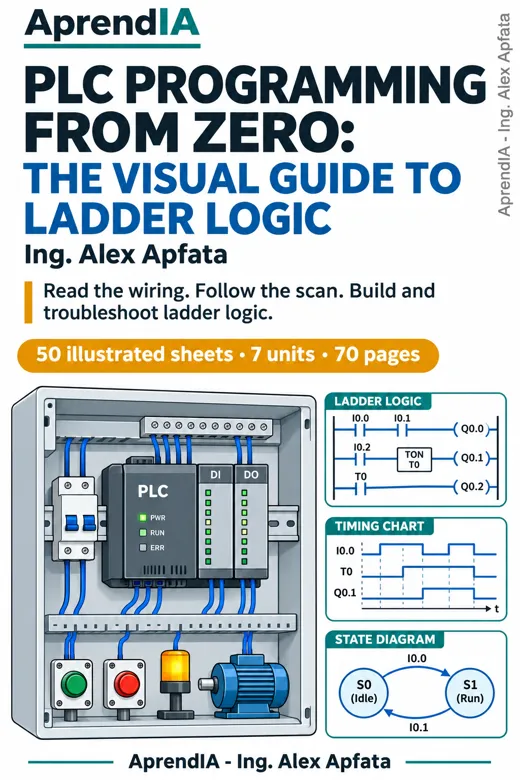
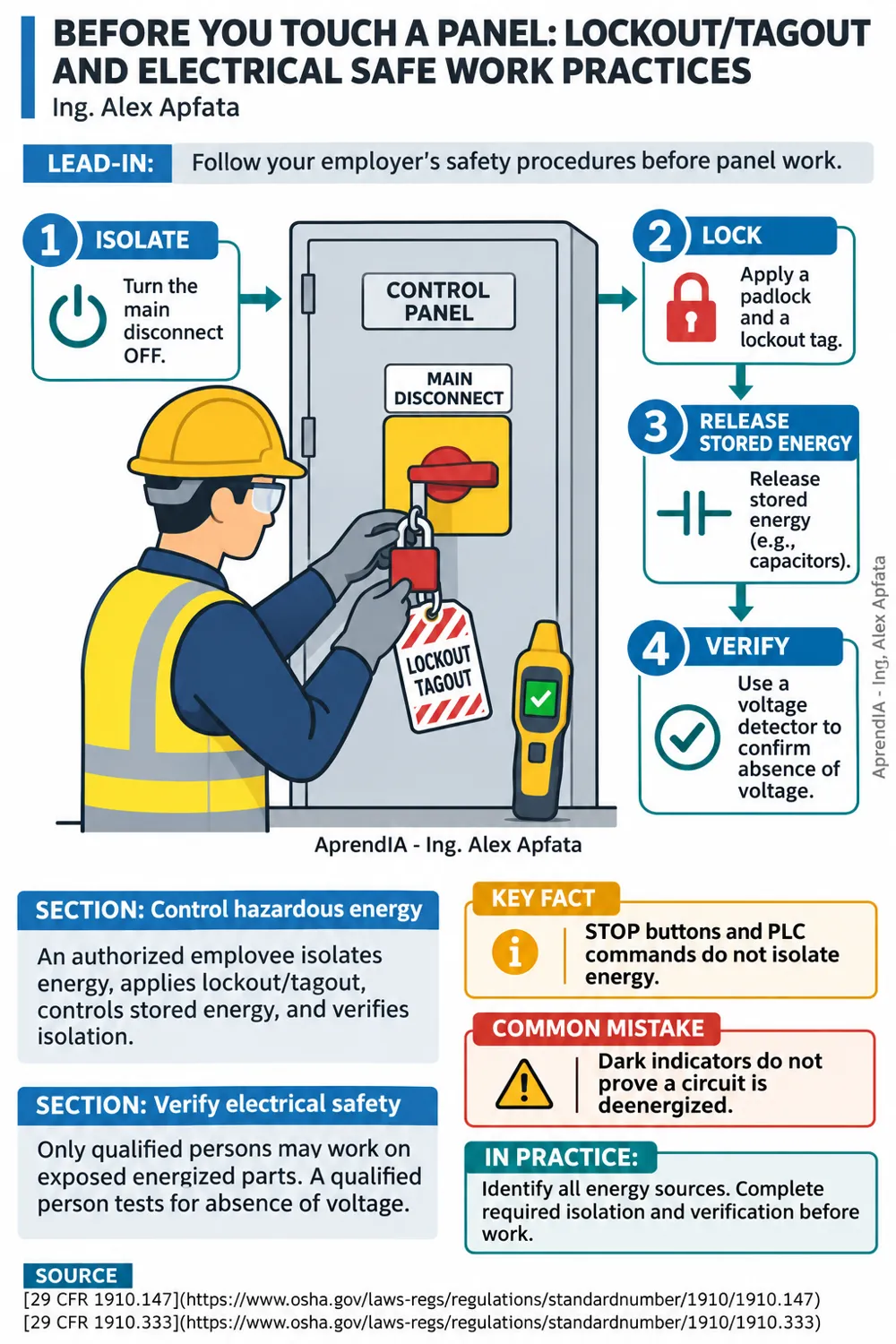
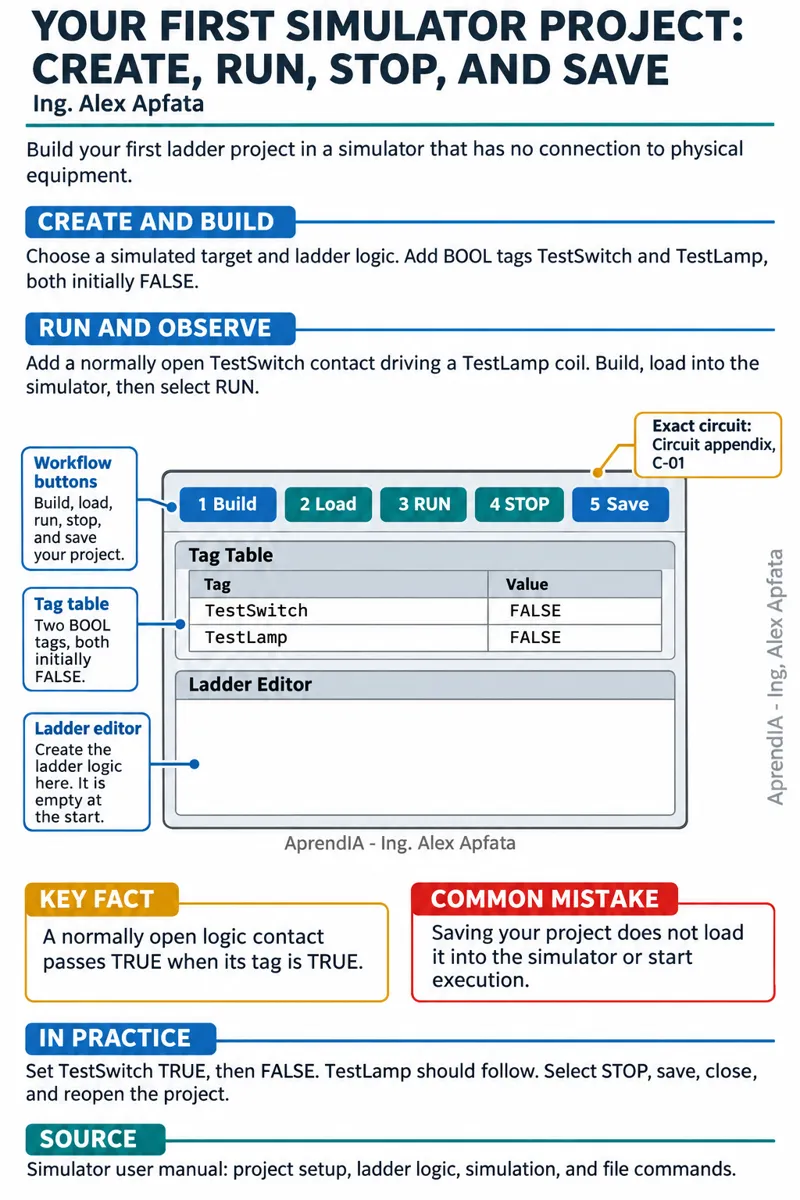
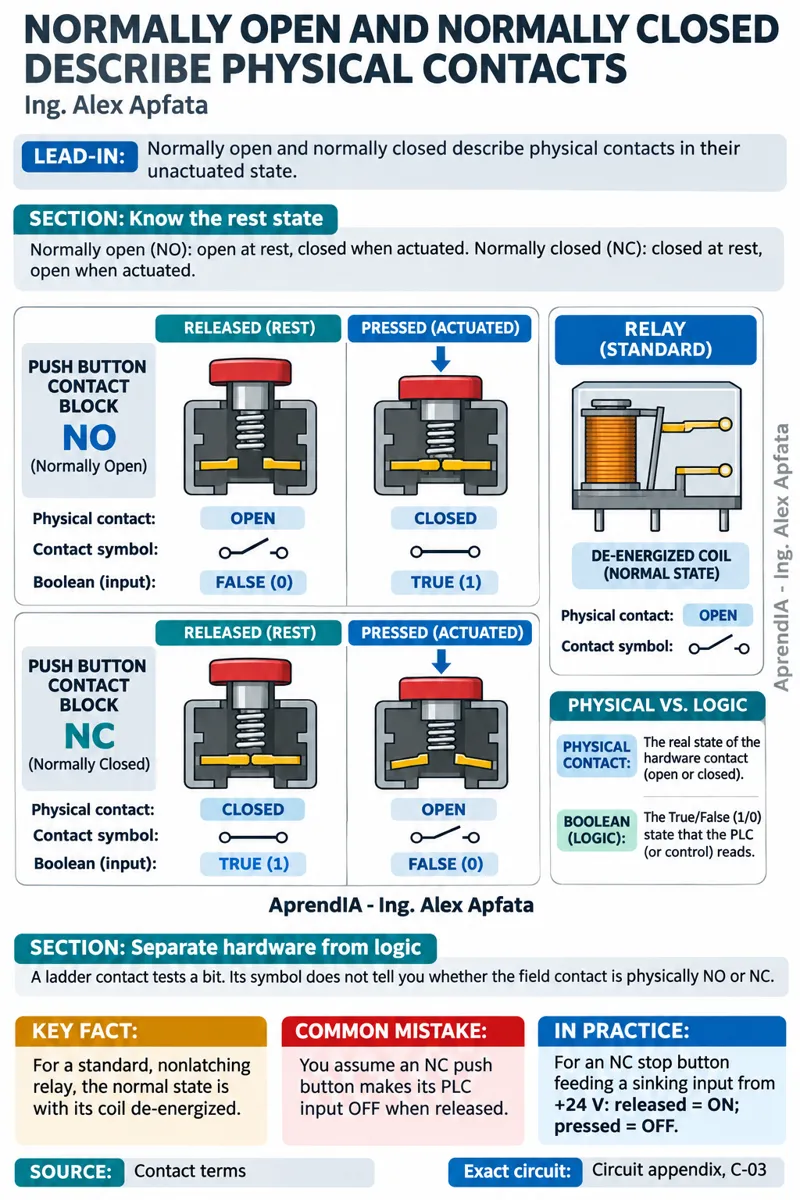
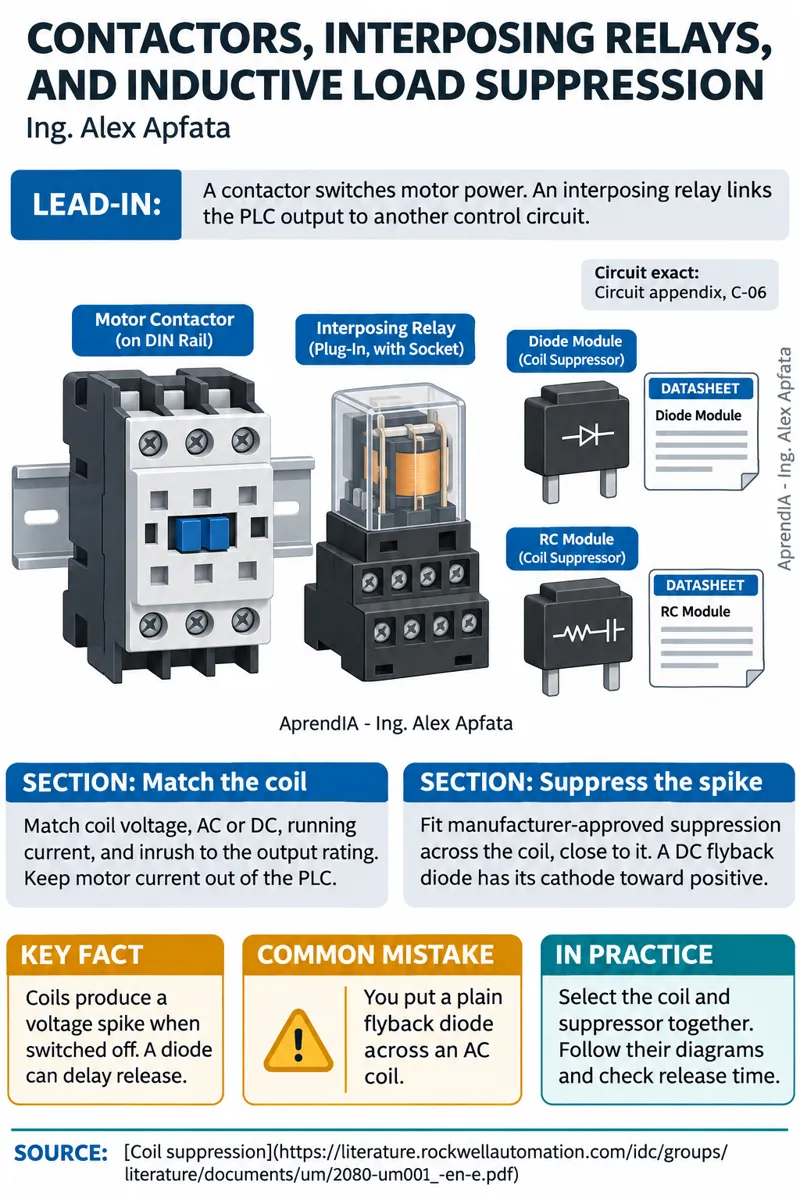
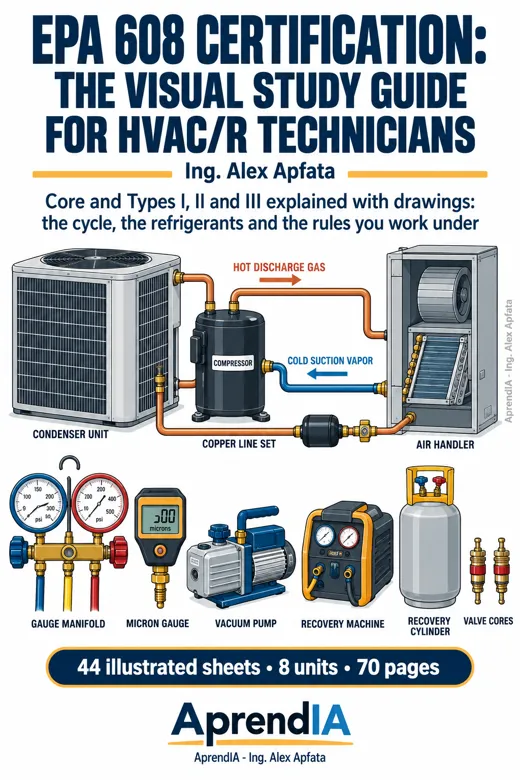
4 real pages from the book · tap one to enlarge
INSIDE THIS GUIDE
What you will learn.
- 01
Trace a field signal through a generic control panel, an I/O map, and a ladder rung.
- 02
Read and build ladder logic with contacts, coils, latches, timers, counters, comparisons, and math.
- 03
Test three simulated projects with worked solutions, expected behavior, and troubleshooting checks.
TABLE OF CONTENTS
Everything inside, unit by unit.
7 units · 50 topics
Unit 1: Meet the PLC
- What a PLC does: Sense, decide, and control
- Find the PLC in a generic control panel
- Before you touch a panel: Lockout/tagout and electrical safe work practices
- Follow the scan: Read inputs, execute logic, update outputs
- Scan timing, startup, and I/O updates: Check your controller's behavior
- Tags, addresses, and data types: Give each signal a clear name
- Your first simulator project: Create, run, stop, and save
Unit 2: Connect Inputs and Outputs
- Trace a 24 VDC control circuit and its return path
- Discrete inputs: Push buttons, limit switches, and sensors
- Normally open and normally closed describe physical contacts
- Sinking and sourcing: Follow conventional current
- PNP and NPN sensors: Match the sensor to the input module
- Relay and transistor outputs: Match the load and check the datasheet
- Contactors, interposing relays, and inductive load suppression
- Build an I/O map: Device, terminal, tag, and expected state
Unit 3: Read and Build Ladder Logic
- Read IEC 61131-3 ladder: Rails, rungs, contacts, and coils
- Test a Boolean tag: Contact instructions do not show physical wiring
- Series contacts: Require every condition with AND
- Parallel branches: Accept alternative conditions with OR
- Output coils: Follow rung results and avoid duplicate writers
- Internal bits and rung order: Trace changes within a scan
- Set and reset latches: Define priority and check power-up retention
- Rising and falling edges: Turn a signal change into a single event
Unit 4: Add Time, Counts, and Decisions
- TON: Delay an action while the input stays true
- TOF: Keep an output true after the input goes false
- Retentive timing: RTO-style behavior, reset, and platform differences
- Read timing charts: Input, elapsed time, and timer output
- Count up and down: Events, limits, and reset conditions
- Count one part once: Scan edges, sensor chatter, and missed pulses
- Compare values: Equal, greater than, less than, and within range
- Move and calculate values: Types, rounding, overflow, and division checks
Unit 5: Control Motors and Sequences
- Build a motor start/stop seal-in circuit: Wiring, ladder, and scan trace
- Overloads and contactor feedback: Separate command from actual state
- Emergency stops and safety circuits: Understand the limits of ordinary PLC logic
- Forward and reverse: Understand electrical, mechanical, and logic interlocks
- Plan a sequence: Steps, transitions, and output conditions
- Build a state-based sequence with timeouts and fault handling
- Stop, reset, and restart: Prevent an unintended automatic restart
Unit 6: Use Analog Signals and HMIs
- Follow a 4–20 mA loop: Transmitter, supply, and analog input
- Scale raw input data into engineering units
- Handle noisy signals, out-of-range readings, and loop faults
- Read an HMI screen: Tags, values, status, and communication loss
- HMI commands and setpoints: Validate requests in the PLC
- Alarms and trends: Separate acknowledgment, reset, and fault clearance
Unit 7: Troubleshoot and Practice
- Read and document a program: Cross-references, comments, backups, and revisions
- Monitor online: Confirm the controller, project version, and live tag states
- Trace a fault from symptom to signal: Diagnose in simulation without forces
- Conveyor simulator lab: Part counting, jam timeout, worked solution, and fault tests
- Tank fill simulator lab: Level control, fill timeout, worked solution, and fault tests
- Traffic light simulator lab: Timed states, conflict checks, and worked solution
Glossary: Shop terms and instruction names
Appendix: 33 wiring diagrams, drawn to spec
FROM READERS WHO ALREADY HAVE IT
Customer reviews.
Before you start
What does my purchase include?+
This digital PDF guide, United States edition, for personal use. No printed books, other titles or subscriptions.
Can I read it on my phone?+
Yes. Open the PDF on your phone, tablet or computer with any PDF reader.
How do I get the book and how can I pay?+
Checkout opens Stripe (card) or PayPal and you see the amount before confirming. As soon as the payment is verified you download the PDF and get an email with your private access link. The whole thing takes under 2 minutes.
What if it is not what I need?+
You have 30 days from purchase to ask for a refund by replying to your order email. We refund the full amount to the same payment method, no questions asked.